Wireless File Manager
Publisher Description
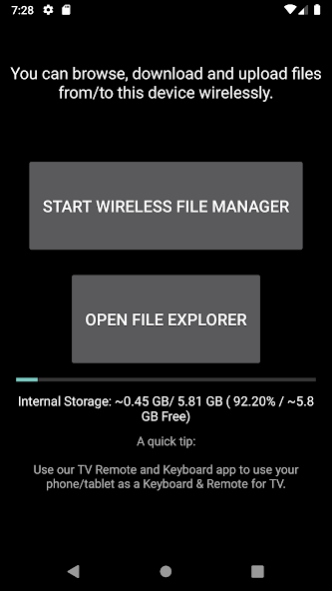
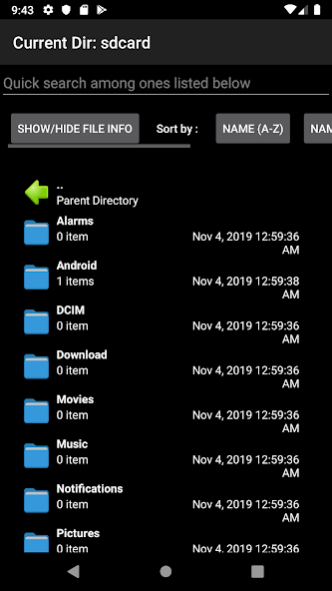
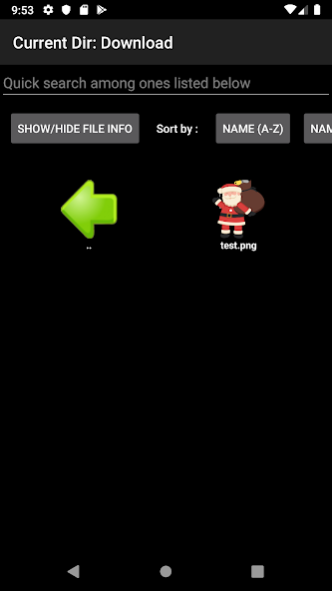
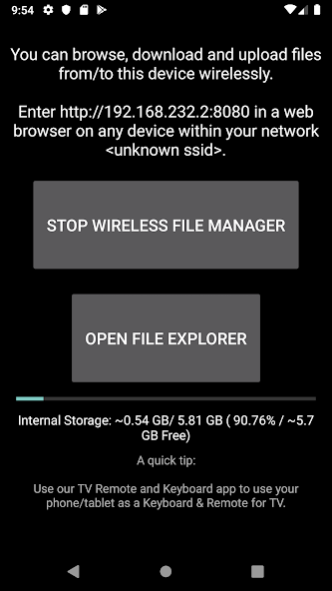
Transfer and Manage the sent files on your android (Internal Storage, External Storage) using any web browser.
Transfer files between:
✓ Android & Android
✓ Android & Windows
✓ Android & iOS
✓ Android & Mac OS
✓ Android & Linux
Features:
✓ Send/Receive files, Browse/Save files stored on your Android using any web browser.
✓ Includes a file explorer that allows you to browse, open and delete sent files.
✓ Send files to external storage device like SD card using any web browser.
✓ Dark theme; easy on your eyes.
Supports:
✓ Android Phones.
✓ Tablets.
✓ Windows Subsystem for Android (WSA).
✓ Fire OS.
✓ Android TVs.
(Remote Friendly)
More info, help @ https://t.me/vishnunkmr
Libraries used: Glide (For displaying images), Firebase, Admob
About Wireless File Manager
The company that develops Wireless File Manager is Vishnu N K. The latest version released by its developer is 1.0 .
To install Wireless File Manager on your Android device, just click the green Continue To App button above to start the installation process. The app is listed on our website since 2023-08-23 and was downloaded 4 times. We have already checked if the download link is safe, however for your own protection we recommend that you scan the downloaded app with your antivirus. Your antivirus may detect the Wireless File Manager as malware as malware if the download link to io.github.visnkmr.wirelessexplorer is broken.
How to install Wireless File Manager on your Android device:
- Click on the Continue To App button on our website. This will redirect you to Google Play.
- Once the Wireless File Manager is shown in the Google Play listing of your Android device, you can start its download and installation. Tap on the Install button located below the search bar and to the right of the app icon.
- A pop-up window with the permissions required by Wireless File Manager will be shown. Click on Accept to continue the process.
- Wireless File Manager will be downloaded onto your device, displaying a progress. Once the download completes, the installation will start and you'll get a notification after the installation is finished.
Program Details
System requirements
Download information
Pricing
Version History
version
posted on 2023-08-23
Updates to Web UI that shows app icons, notifications for all actions.
Upload to your Downloads folder on Android 10 and above.
Works on Android 13, Windows Subsystem for Android (WSA).
No storage permission needed.
---Up to previous release---
Use the "Open file manager" button to browse recently transferred files.
Send files to external storage device like SD card.
Can open all images in app itself, as required.
Can work on any network connection, any browser.
version
posted on 2023-07-14
Introducing New Open Source Web UI that shows app icons, notifications for all actions.
Upload to your Downloads folder on Android 10 and above.
Works on Android 13, Windows Subsystem for Android (WSA).
No storage permission needed.
---Up to previous release---
Use the "Open file manager" button to browse recently transferred files.
Send files to external storage device like SD card.
Can open all images in app itself, as required.
Can work on any network connection, any browser.
version
posted on 2023-07-05
Allows uploading to your device's default Downloads folder on Android 10 and above.
Works on Android 13, Windows Subsystem for Android (WSA).
Doesn't need storage permission anymore.
---Up to previous release---
Use the "Open file manager" button to browse recently transferred files.
Send files to external storage device like SD card, open these sent files on device etc from web UI.
Can open all images in app itself, as required.
Can work on any network connection, any browser.
version
posted on 2022-12-31
More info available @ https://vishnunkmr.t.me/
---Up to previous release---
Works on Android 13, Windows Subsystem for Android (WSA).
Doesn't need storage permission anymore.
Use the "Open file manager" button to browse recently transferred files.
Send files to external storage device like SD card, open these sent files on device etc from web UI.
Can open all images in app itself, as required.
Can work on any network connection, any browser.
Report issues @ http://visnkmr.github.io/help
version
posted on 2022-01-14
Doesn't need storage permission anymore.
Works on Android 12.
---Up to previous release---
Use the "Open file manager" button to browse recently transferred files.
Send files to external storage device like SD card, open these sent files on device etc from web UI.
Can open all images in app itself, as required.
Can work on any network connection, any browser.
Report issues @ http://visnkmr.github.io/help
Follow @vishnunkmr on telegram for more info
